

FAQ
frequently asked question
From Raw to Wow in 1-Click
- Download Presetok Presets
- Install Lightroom (mobile & desktop)
- Import Presetok Presets in seconds
- Get professional edits in 1-click
- Share stunning shots on socials
- Grow your followers & boost engagement

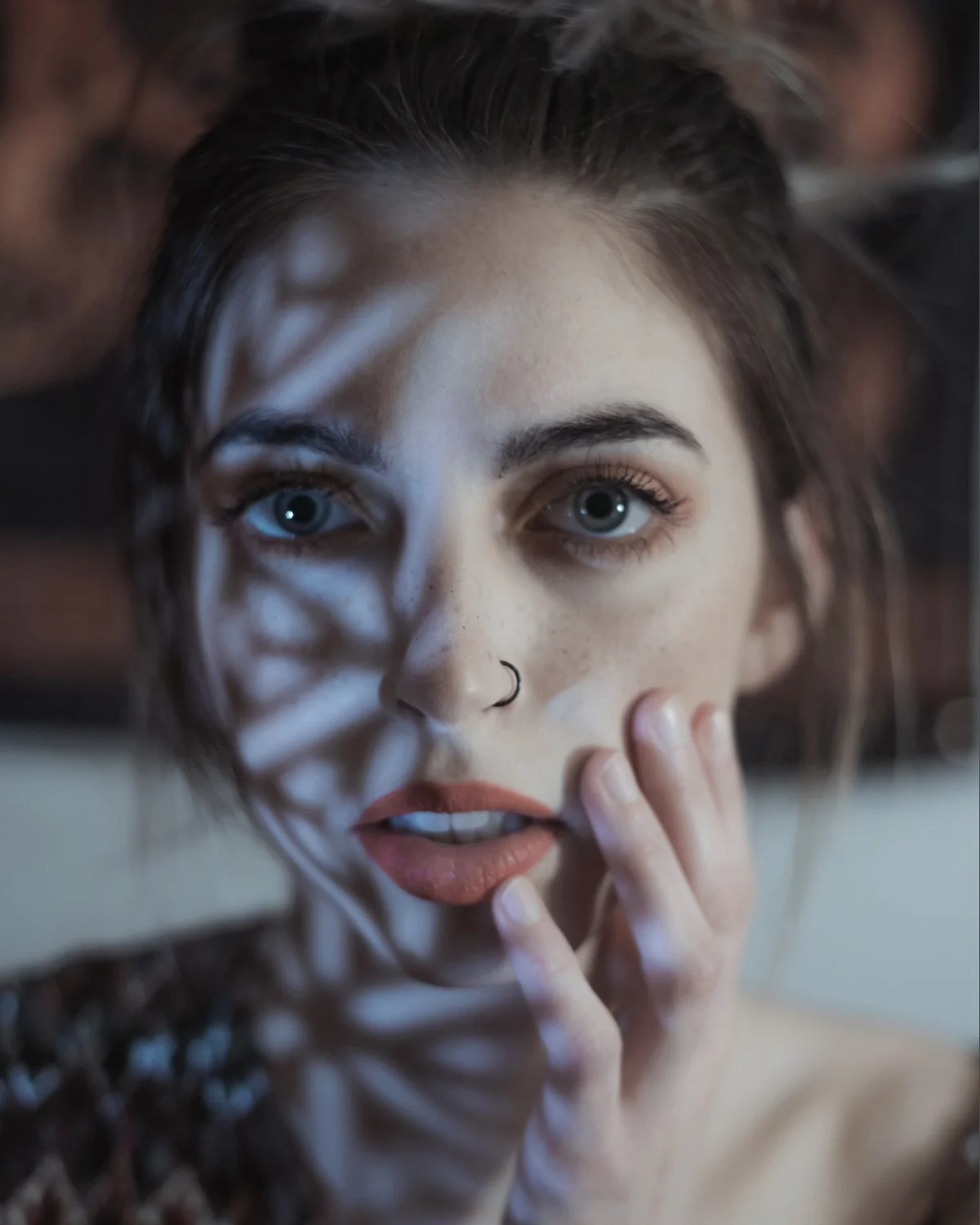
What are Lightroom Presets?
A Lightroom preset is a pre-configured set of adjustments that can be applied to your photos with one click.
It instantly changes the look and feel of your images by enhancing colors, lighting, and tones, helping you achieve professional edits quickly.
It instantly changes the look and feel of your images by enhancing colors, lighting, and tones, helping you achieve professional edits quickly.
How do I download and use the presets?
After purchasing, you’ll receive a download link via email.
Simply download the files, import them into Lightroom, and start using them right away. Detailed instructions are included to help you get started easily.
Simply download the files, import them into Lightroom, and start using them right away. Detailed instructions are included to help you get started easily.
Are the presets compatible with my version of Lightroom?
Yes, our presets are compatible with both Lightroom Classic and the Lightroom mobile app, on both iOS and Android devices.
If you have the latest version, you’re good to go!
If you have the latest version, you’re good to go!
Can I use these presets on mobile?
Absolutely! Our presets are designed to work seamlessly on Lightroom Mobile.
Once downloaded, you can easily sync them with your mobile device and edit your photos on the go.
Once downloaded, you can easily sync them with your mobile device and edit your photos on the go.
Will the presets work on both JPEG and RAW files?
Yes, our presets are optimized to enhance both JPEG and RAW images.
However, using them on RAW files will often yield better results due to the higher image quality.
However, using them on RAW files will often yield better results due to the higher image quality.
Can I get a refund if I’m not satisfied?
Due to the digital nature of our products, all sales are final.
However, if you encounter any issues, please contact our support team, and we’ll do our best to assist you.
However, if you encounter any issues, please contact our support team, and we’ll do our best to assist you.
Do I get lifetime access to the presets?
Yes, once purchased, you have lifetime access to your presets.
You can download them again anytime if needed, even after changing your devices.
You can download them again anytime if needed, even after changing your devices.
What Will I Receive After Purchase?
Upon purchase, you'll receive an instant download link to a ZIP archive containing the Lightroom presets.
Inside, you’ll also find detailed documentation with step-by-step instructions on how to install and use the presets on both desktop and mobile versions of Lightroom.
Additionally, the archive includes tips on getting the most out of your presets to enhance your photos further. The download link will remain available in your account indefinitely, allowing you to access it anytime, even if you change devices.
Additionally, the archive includes tips on getting the most out of your presets to enhance your photos further. The download link will remain available in your account indefinitely, allowing you to access it anytime, even if you change devices.
Latest Presets

Earthy Tones
$9,99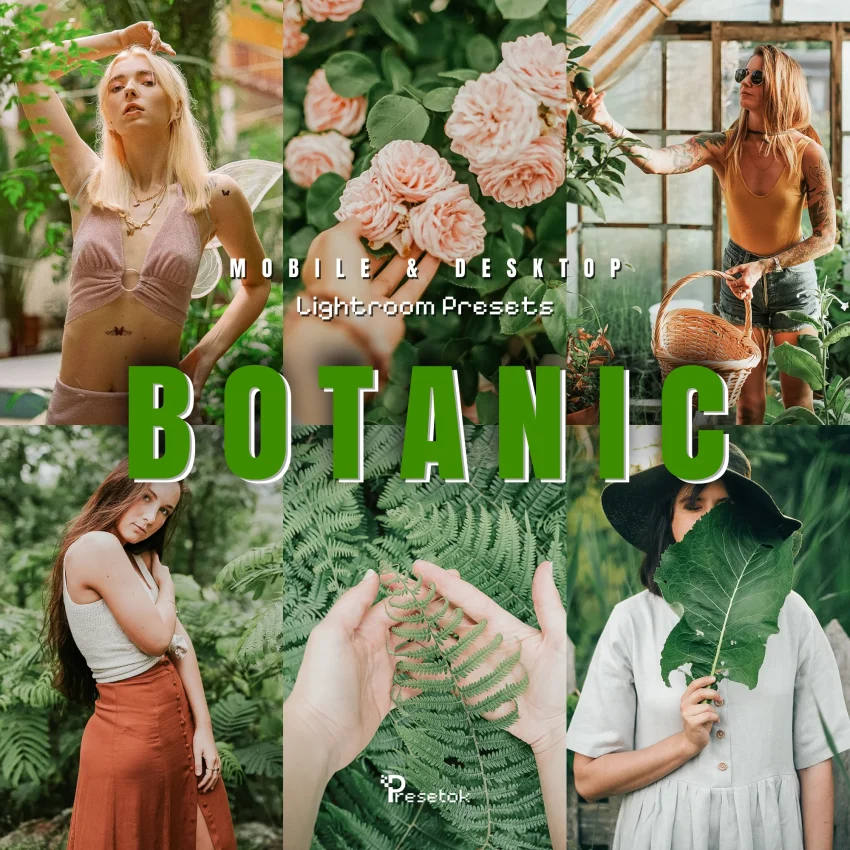
Botanic Vibes
$9,99
Cars
$9,99
Japan
$9,99
Boudoir
$9,99
Cozy Coffee
$9,99
Travel Winter
$9,99
Supreme Winter
$9,99
Concert
$9,99